Engineering ResourcesEngineering Resource Center
Centralized access path for technical assets used by engineering and integration teams during model selection and RFQ closure.
Resources are delivered through request workflow to keep revision consistency with your project baseline and avoid mismatched file usage.
How to Use This Center
- Select the resource type required by your current milestone.
- Submit business contact and project usage context.
- Receive resource package aligned to active model revision.
- Continue RFQ closure with technical and compliance alignment.
If the project starts with a voltage-specific query like 12v dc rotary actuators or hollow shaft search, use the 12V hollow rotary actuator selection checks before requesting datasheets so torque, angle, duty cycle, and enclosure assumptions are captured together.
For an isolated cable run, use the 12V rotary actuator voltage-drop checker to estimate the positive-and-return copper cable drop from current, one-way length, conductor area, and your selected target.
CAD / STEP Models
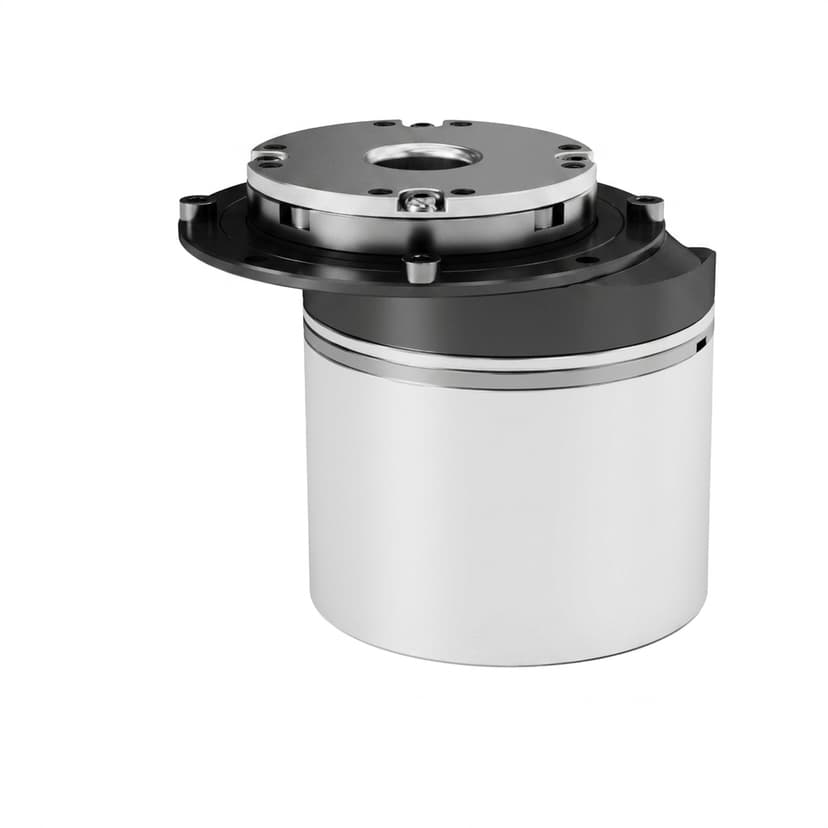
CAD / STEP Model Pack
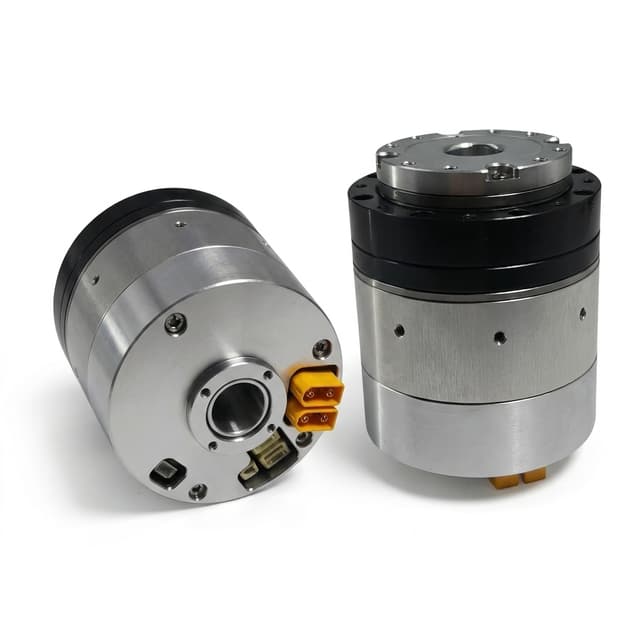
3D model request channel for joint actuator integration planning, envelope checks, and interface co-design.
- Asset Type: STEP / CAD package request
- Revision: On request by model and drawing revision
- Updated: Updated per RFQ baseline
Request resourceTechnical Datasheets
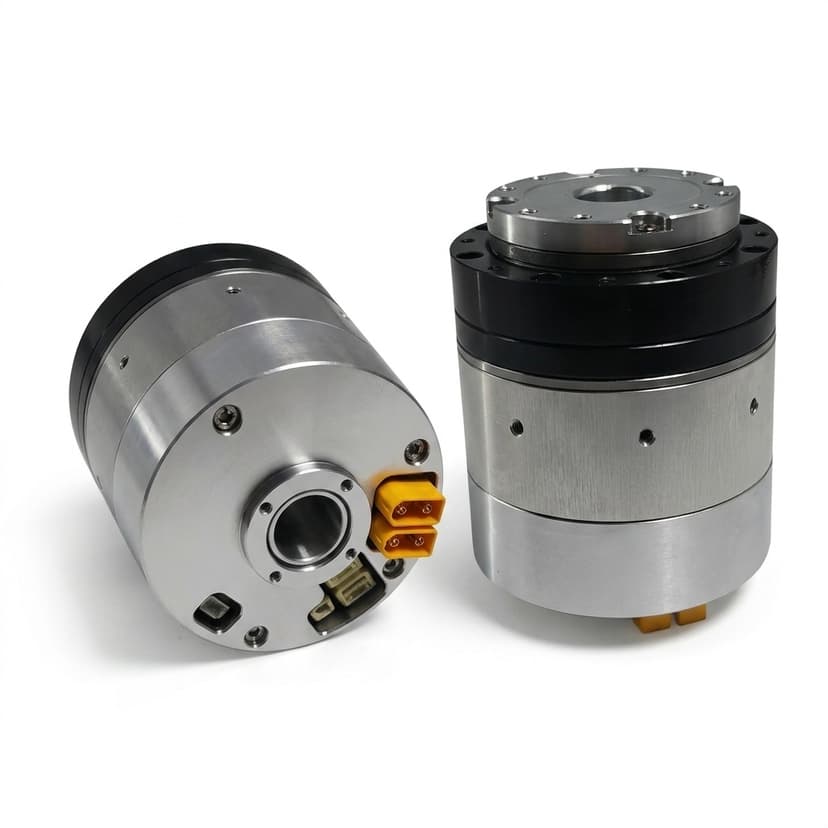
Technical Datasheet Pack
Model-level technical datasheet request channel covering torque-speed baseline, interface constraints, and operating assumptions.
- Asset Type: Datasheet request
- Revision: Aligned to current model revision
- Updated: Updated per engineering release
Request resourceIntegration Manuals
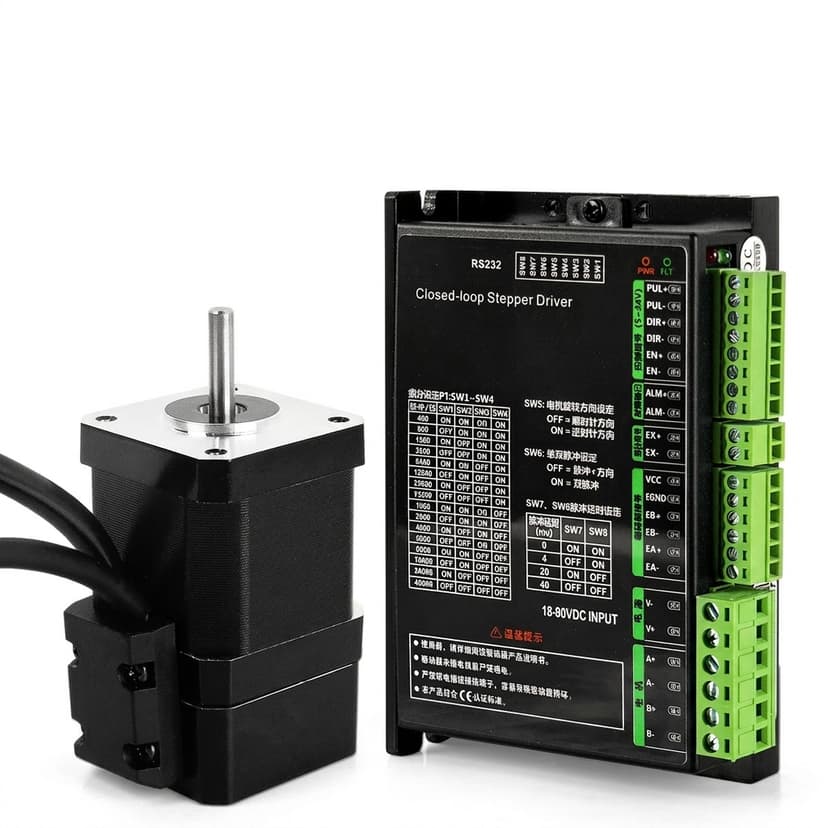
Integration Manual Pack (EtherCAT / CAN)
Integration guidance request channel for communication, commissioning flow, and control-stack alignment.
- Asset Type: Integration manual request
- Revision: Program-specific with protocol scope
- Updated: Maintained by engineering team
Request resource